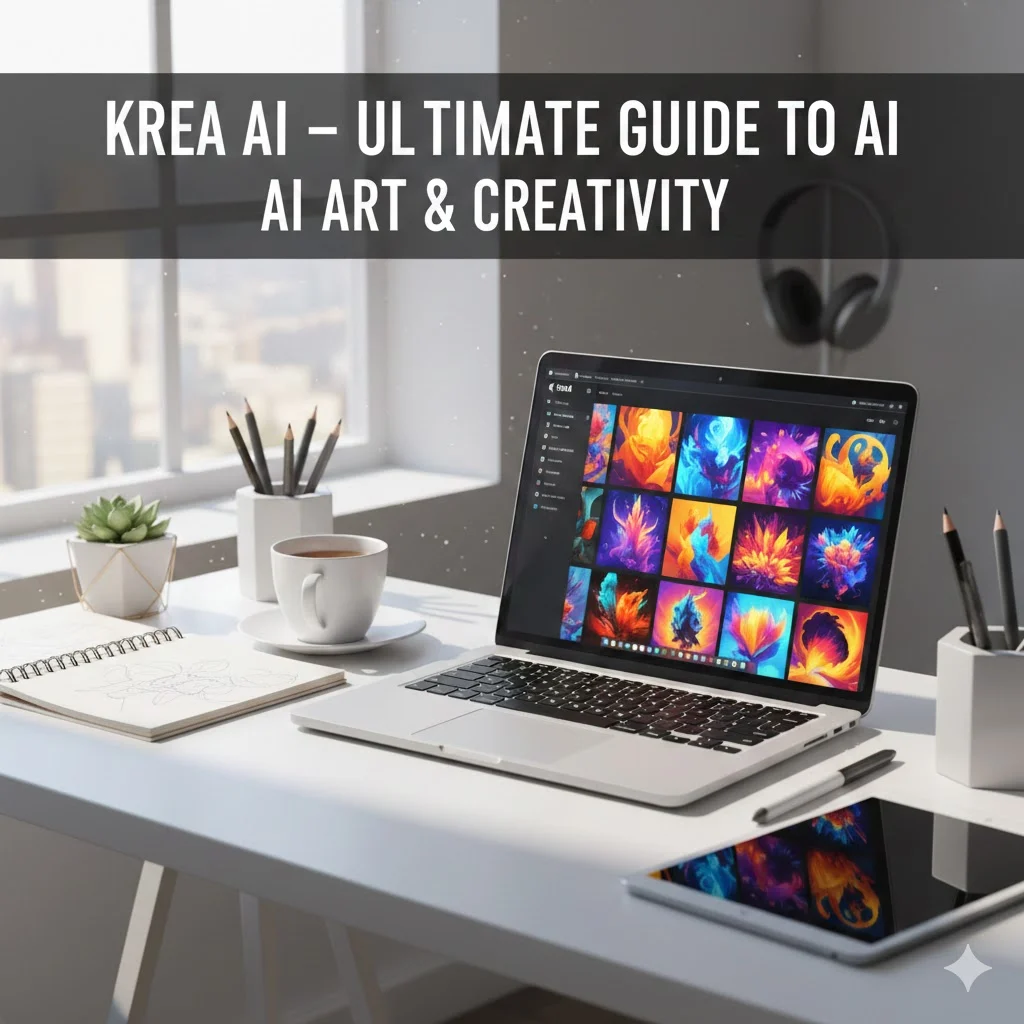
Artificial Intelligence has transformed the creative world, enabling designers, marketers, and content creators to produce stunning visuals with minimal effort. One platform leading this revolution is Krea AI. Whether you are a beginner exploring AI art or a professional seeking efficient creative workflows, understanding Krea AI’s capabilities can give you a significant edge.
In this guide, we dive deep into everything about Krea AI—from its features and tutorials to pricing, pros and cons, comparisons with other AI tools, and real-world use cases.
What is Krea AI?
Krea AI is a generative AI platform designed to create high-quality images, illustrations, and digital art from text prompts. It leverages cutting-edge machine learning models to convert your ideas into visually compelling designs.
Unlike traditional graphic design tools, Krea AI automates the creative process, allowing users to generate images in seconds without requiring extensive technical skills. Its versatility makes it ideal for:
- Digital artists looking to experiment with new styles.
- Marketers creating social media visuals and campaign graphics.
- Businesses seeking quick concept designs or content assets.
- Content creators needing illustrations for blogs, videos, and presentations.
Key Highlights of Krea AI:
- Supports multiple art styles including realistic, anime, abstract, and digital painting.
- Offers a user-friendly platform suitable for beginners and professionals.
- Provides AI-assisted prompts to guide creativity.
Key Features of Krea AI
Krea AI stands out for its rich set of features designed to make image generation intuitive and professional. Here’s an in-depth look:
Text-to-Image Generation
Krea AI allows users to convert text prompts into detailed visuals. For example, typing “sunset over a mountain lake with swans” can generate multiple unique images matching the description.
Benefits:
- Fast generation in seconds.
- Multiple variations for a single prompt.
- Adjustable style and resolution.
Customizable Art Styles
You can select from a variety of artistic styles:
| Style | Description | Best For |
|---|---|---|
| Realistic | Life-like images with natural lighting | Photography concepts, product design |
| Digital Painting | Creative, brush-stroke effects | Concept art, game design |
| Anime/Cartoon | Stylized, fun visuals | Comics, illustrations |
| Abstract | Experimental art | Posters, social media visuals |
Creative Workflows and Collaboration
Krea AI supports team projects, allowing multiple users to collaborate, share, and edit AI-generated assets seamlessly. It’s perfect for agencies and creative teams.
Other Features:
- AI-powered prompt suggestions.
- Export options for multiple formats (PNG, JPEG, SVG).
- Integration with design tools for advanced editing.
How to Use Krea AI
Even beginners can get started with Krea AI thanks to its intuitive interface. Here’s a step-by-step guide:
Signing Up and Setting Up an Account
- Go to the Krea AI platform and click Sign Up.
- Provide basic information: email, username, password.
- Verify your account via email.
Navigating the Dashboard
- Home: Overview of your projects and recent creations.
- Create: Start a new AI image using a prompt.
- Library: Store and manage generated images.
- Settings: Adjust preferences, subscription, and integrations.
Creating Your First AI Image
- Click Create.
- Enter a descriptive prompt, e.g., “futuristic city skyline at dusk.”
- Choose an art style and resolution.
- Click Generate.
- Review and refine variations.
Editing and Downloading
- Apply minor edits using the platform’s built-in tools.
- Download in multiple formats.
- Use images for presentations, social media, or design projects.
Pro Tips:
- Start with short prompts and gradually add details for better results.
- Experiment with different styles to see which fits your project best.
Krea AI Pricing and Plans
Krea AI offers flexible pricing to cater to beginners, professionals, and businesses.
| Plan | Price | Features | Best For |
|---|---|---|---|
| Free | $0 | Limited prompts per month, basic styles | Beginners testing AI art |
| Pro | $15/month | Unlimited generation, high-res images, advanced styles | Freelancers, content creators |
| Enterprise | Custom | Team collaboration, API access, premium support | Agencies, businesses |
Free vs Paid:
- Free version is sufficient for casual experimentation.
- Paid plans unlock professional features and high-resolution outputs.
Pros and Cons of Krea AI
Pros:
- Fast, high-quality AI-generated images.
- Intuitive interface suitable for beginners and pros.
- Wide range of art styles and creative flexibility.
- Collaboration features for teams.
Cons:
- Free plan is limited.
- Advanced features require subscription.
- Some prompts may need refinement to get desired results.
Krea AI vs Other AI Art Tools
Krea AI is often compared to MidJourney, DALL·E, and Leonardo AI. Here’s a detailed comparison:
| Tool | Strengths | Weaknesses | Best For |
|---|---|---|---|
| Krea AI | User-friendly, multiple art styles, team collaboration | Limited free plan | Beginners & teams |
| MidJourney | High-quality artistic visuals | Learning curve, Discord-based | Digital artists |
| DALL·E | Realistic images, OpenAI integration | Limited style variation | Professional illustration |
| Leonardo AI | Concept design, fast generation | Limited editing | Game & film design |
Best Prompts and Use Cases for Krea AI
Using the right prompts is essential for high-quality outputs. Here are some sample prompts:
- “A cozy coffee shop on a rainy day, digital painting style”
- “Futuristic city skyline at night, cyberpunk theme”
- “Cute anime cat wearing a wizard hat”
- “Abstract colorful background for social media post”
Real-World Applications:
- Digital Art Creation: Artists producing illustrations or concept art.
- Social Media Content: Quick visual assets for posts and ads.
- Marketing Campaigns: Eye-catching graphics to enhance engagement.
- Concept Design: Rapid prototyping for games and movies.
Krea AI Updates, Case Studies, and Customer Reviews
Recent Updates
- New AI models for enhanced realism.
- Additional art styles including surrealism and anime-inspired visuals.
- Improved collaboration tools for teams.
Case Studies
- Marketing Agency: Reduced content creation time by 50% using Krea AI visuals.
- Independent Artist: Generated 200+ illustrations in one month, saving weeks of work.
Customer Feedback
- Positive: “The AI suggestions are incredibly helpful for creative blocks.”
- Negative: “Sometimes the output needs multiple revisions to match vision.”
Tips, Tricks, and Best Practices
- Start Small: Begin with simple prompts before experimenting with complex ones.
- Use Style Keywords: Specify styles in your prompt for better output.
- Iterate Frequently: Don’t settle for the first result; refine prompts.
- Leverage Libraries: Use Krea AI’s prompt suggestions for inspiration.
- Collaborate: Teams can share prompt libraries and assets for efficiency.
Conclusion
Krea AI is a powerful, versatile AI art generator designed to streamline creative workflows and unlock new artistic possibilities. Whether you are a beginner exploring AI or a professional designer looking to save time, Krea AI provides the tools, flexibility, and collaborative features to turn your ideas into reality.
By understanding its features, pricing, best practices, and real-world use cases, you can maximize your creative output and harness the power of AI in your projects.