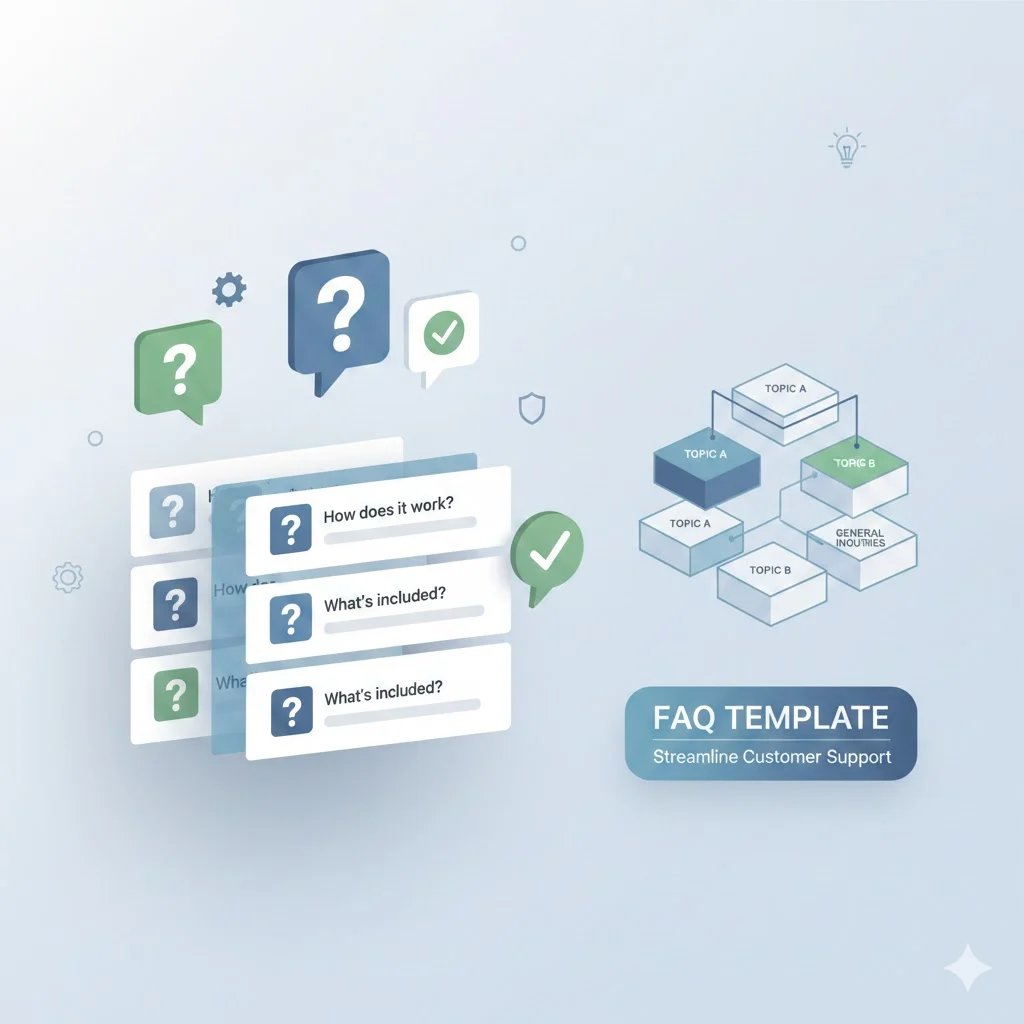
FAQ templates sit at the intersection of customer support, user experience, and SEO. When done right, they reduce friction, answer objections, and quietly push users toward action. When done poorly, they confuse visitors and bury important information.
This guide goes deep. It explains what FAQ templates are, how to structure them, which formats work best for different industries, and how to turn an FAQ page into a measurable business asset. Every section focuses on real-world use, not theory.
You’ll also find practical examples, tables, layouts, and writing frameworks you can apply immediately.
What Are FAQ Templates?
FAQ templates are predefined structures used to organize frequently asked questions and answers in a clear, repeatable format. Instead of inventing a layout every time, a template gives you a proven framework.
At their core, FAQ templates do three things:
- Collect common customer questions
- Present answers in a scannable format
- Guide users toward clarity and confidence
Unlike random FAQ sections, a structured FAQ template enforces consistency. It ensures tone, layout, and depth stay aligned across pages.
FAQ Template vs FAQ Content
It helps to separate the two:
| Element | What It Covers |
|---|---|
| FAQ Template | Structure, layout, formatting |
| FAQ Content | The actual questions and answers |
Strong FAQs fail without a solid template. Even great answers feel messy when structure breaks down.
Why FAQ Templates Matter for Websites and Businesses
FAQ templates aren’t filler content. They serve measurable functions across marketing, support, and operations.
Core Benefits of Using FAQ Templates
- Reduce customer support workload
- Increase time on page
- Improve conversion rates
- Clarify policies and processes
- Improve SEO visibility for question-based searches
For example, an ecommerce FAQ template that clearly explains shipping timelines and return policies can reduce pre-purchase anxiety. That alone boosts completed checkouts.
FAQs as a Trust Signal
People skim before they buy. FAQs act like a quiet conversation that says:
“We’ve already thought about your concerns.”
That reassurance matters.
Common FAQ Formats You Should Know
Different goals require different FAQ formats. Choosing the wrong format creates friction.
Classic Question-and-Answer FAQ Format
This is the most recognizable FAQ format.
Structure:
- Question as a heading
- Answer immediately below
Best for:
- Simple websites
- Service pages
- Landing pages
Example:
Do you offer refunds?
Yes. We offer a 30-day refund on all plans.
Pros
- Easy to read
- Simple to create
Cons
- Can become long and overwhelming
Accordion-Style FAQ Layout
Accordion FAQs hide answers until clicked.
Why this format works:
- Reduces visual clutter
- Improves mobile experience
- Keeps pages compact
Best for:
- Product pages
- Pricing pages
- Landing pages
Important UX rule:
Only use accordions when questions are clearly written. Vague questions kill usability.
Category-Based FAQ Structure
Instead of one long list, questions are grouped by topic.
Common categories include:
- Billing
- Shipping
- Product usage
- Technical issues
- Account management
Best for:
- Ecommerce stores
- SaaS platforms
- Support-heavy websites
This structure reduces cognitive load. Users jump straight to relevant sections.
Searchable FAQ and Knowledge Base Format
When FAQs grow large, they evolve into a help center or knowledge base.
Key features:
- Search bar
- Category filtering
- Article-style answers
Best for:
- SaaS companies
- Apps
- Platforms with complex workflows
This format shifts support from reactive to self-service.
FAQ Page Templates vs FAQ Section Templates
Not all FAQs belong on a single page.
FAQ Page Templates
A full FAQ page template acts as a central support hub.
Best use cases:
- Established businesses
- High-volume customer inquiries
- SEO-driven FAQ strategies
FAQ Section Templates
FAQ sections appear inside other pages.
Common placements:
- Product pages
- Pricing pages
- Checkout pages
- Landing pages
These FAQs handle objections at the moment they arise.
Rule of thumb:
If a question affects conversion, place it near the decision point.
Best FAQ Templates by Use Case
Different industries require different FAQ structures.
FAQ Templates for Websites
Website FAQ templates usually cover:
- General services
- Company policies
- Contact methods
Best practices:
- Keep answers concise
- Avoid legal jargon
- Link internally when needed
FAQ Templates for Ecommerce Stores
Ecommerce FAQs directly impact revenue.
Essential ecommerce FAQ categories:
- Shipping times
- Delivery costs
- Returns and refunds
- Payment methods
- Product availability
Example structure:
| Category | Purpose |
|---|---|
| Shipping | Set expectations |
| Returns | Reduce risk |
| Payments | Build trust |
| Products | Clarify usage |
Clear ecommerce FAQ templates reduce cart abandonment.
FAQ Templates for SaaS Companies
SaaS FAQs support onboarding and retention.
High-impact SaaS FAQ sections:
- Account setup
- Free trials
- Pricing tiers
- Feature limitations
- Integrations
Tip:
Use screenshots or step-by-step explanations when possible.
FAQ Templates for Startups and Small Businesses
Startups need lean but professional FAQ templates.
Focus areas:
- What you do
- Who it’s for
- How pricing works
- How support works
Avoid overbuilding. Start simple and expand as questions repeat.
FAQ Templates for Landing Pages
Landing page FAQs handle objections.
Common landing page questions:
- Is this right for me?
- How fast will I see results?
- What happens after signup?
These FAQs should reinforce the call to action, not distract from it.
FAQ Templates for Customer Support and Help Centers
Support FAQs emphasize problem-solving.
Key elements:
- Troubleshooting steps
- Clear next actions
- Escalation paths
Good support FAQ templates reduce ticket volume dramatically.
Simple vs Professional vs Modern FAQ Templates
Not all FAQ templates feel the same.
Simple FAQ Templates
Best for:
- Blogs
- Small service websites
Characteristics:
- Minimal formatting
- Direct answers
- No extra design layers
Professional FAQ Templates
Best for:
- Corporate websites
- B2B services
Characteristics:
- Structured categories
- Formal tone
- Policy-level clarity
Modern FAQ Templates
Modern FAQ templates focus on experience.
Features include:
- Interactive accordions
- Icons and visual cues
- Responsive layouts
Design should support clarity, not overshadow it.
FAQ Design Best Practices That Actually Work
Design matters because people scan before they read.
Core FAQ Design Principles
- Clear headings
- Short paragraphs
- Plenty of white space
- Mobile-first layout
Accessibility Considerations
- High contrast text
- Clickable targets large enough for touch
- Logical heading hierarchy
Accessibility improves usability for everyone.
How to Write High-Quality FAQ Content
Templates don’t replace thinking. Writing matters.
Identifying Real Customer Questions
Use real data sources:
- Customer support tickets
- Live chat logs
- Sales calls
- On-site search queries
Avoid guessing. If no one asks it, don’t include it.
Writing Clear, Direct Answers
Strong FAQ answers:
- Start with the direct answer
- Add context only if needed
- Avoid marketing fluff
Bad answer:
“We strive to deliver exceptional service.”
Good answer:
“We respond to support requests within 24 hours.”
Structuring Answers for Humans and Search Engines
Use:
- Bullet points
- Short paragraphs
- Clear subheadings
This helps readers and search engines understand content faster.
SEO Best Practices for FAQ Templates
FAQ templates play well with search engines when structured correctly.
Keyword Usage
- Use natural question phrasing
- Match search intent
- Avoid keyword stuffing
Featured Snippet Optimization
- Answer questions clearly
- Use concise definitions
- Place answers immediately after questions
FAQ Schema Markup Explained Simply
FAQ schema helps search engines understand question-answer relationships.
Key rules:
- Use real FAQs only
- Match visible content
- Avoid promotional language
Schema works best on FAQ pages, not everywhere.
FAQ Examples That Convert and Inform
Examples clarify structure better than theory.
Website FAQ Example
Question:
What services do you offer?
Answer:
We provide web design, SEO, and content strategy for small businesses.
Ecommerce FAQ Example
Question:
How long does shipping take?
Answer:
Orders ship within 24 hours and arrive in 3–5 business days.
SaaS FAQ Example
Question:
Can I cancel my subscription anytime?
Answer:
Yes. You can cancel from your account dashboard with no penalties.
Product FAQ Example
Question:
Is this product machine washable?
Answer:
Yes. Wash on cold and air dry to maintain quality.
Free vs Premium FAQ Templates
Not all templates offer the same value.
Free FAQ Templates
Pros
- Easy to access
- Quick setup
Cons
- Limited customization
- Generic structure
Premium FAQ Templates
Pros
- Industry-specific
- Customizable layouts
- Better UX
Cons
- Cost
Choose based on business complexity, not budget alone.
Downloadable FAQ Templates and Formats
FAQ templates come in multiple formats.
| Format | Best For |
|---|---|
| Static documentation | |
| Doc | Editing and collaboration |
| Google Docs | Team workflows |
| HTML | Custom websites |
| WordPress | CMS-based sites |
Editable FAQ templates save time and ensure consistency.
Internal, Legal, and HR FAQ Templates
Not all FAQs face customers.
Employee FAQ Templates
Cover topics like:
- Leave policies
- Payroll schedules
- Benefits
Legal FAQ Templates
Focus on clarity and compliance.
- Terms
- Privacy
- Liability
Internal Knowledge Base FAQs
Used for:
- Onboarding
- Training
- Process documentation
Clear internal FAQs reduce internal friction.
Common FAQ Template Mistakes to Avoid
Avoid these pitfalls:
- Answering hypothetical questions
- Writing vague responses
- Letting FAQs go outdated
- Overloading pages with unnecessary content
An outdated FAQ damages trust faster than no FAQ at all.
How to Choose the Right FAQ Template for Your Business
Ask three questions:
- Who is the audience?
- What decisions do FAQs support?
- How complex are the answers?
Choose structure first. Then write content.
Turn FAQ Templates Into a Business Asset
FAQ templates aren’t decoration. They are operational tools.
When structured well, they:
- Reduce support costs
- Improve SEO visibility
- Increase conversions
- Build trust
A good FAQ page works quietly in the background. It answers questions before users ask them. It removes doubt before it grows.
That’s the real power of FAQ templates.
Conclusion
FAQ templates aren’t just support content. They’re a strategic asset that shapes how people experience your brand, understand your offer, and decide what to do next. When structured well, they answer questions before friction appears. They calm doubts. They save time for both users and teams.
Strong FAQ templates bring order to complexity. They turn scattered questions into clear paths. They help customers help themselves, which builds trust faster than any sales copy ever could. Whether you run a small website, an ecommerce store, a SaaS platform, or an internal knowledge base, the right FAQ format creates consistency and clarity at scale.
The key takeaway is simple:
Structure first, content second, optimization always.
Choose FAQ templates that match your business model, your audience’s intent, and the decisions users need to make. Keep answers direct. Update them regularly. Design for real people, not just search engines.
Do that well, and your FAQ pages won’t sit quietly at the bottom of your site. They’ll work every day as one of your most reliable growth tools.